
Set it once. Scan directly.
Encode a URL directly. Make, check and download PNG, SVG or PDF in the same workspace.
PNG / SVG / PDF

Turn a URL into a QR code, ready to share and print.
Or let it become a panda, a whale, a paper crane or a swarm of butterflies.
Choose a use and start creating.
Add a code to a business card, package or table sign.
Static codes store your URL directly and have no expiry date.
Encode a URL directly. Make, check and download PNG, SVG or PDF in the same workspace.
PNG / SVG / PDF
Keep the original short link. Passwords, schedules, custom paths and verified domains are available in the workspace.
A static code cannot change its URL after generation. For updates after printing, create a dynamic code and change its destination in your account.
Promote a music festival, a store event, or a booking page. Generate your poster, add a scannable QR code, and download it—all in one workspace.
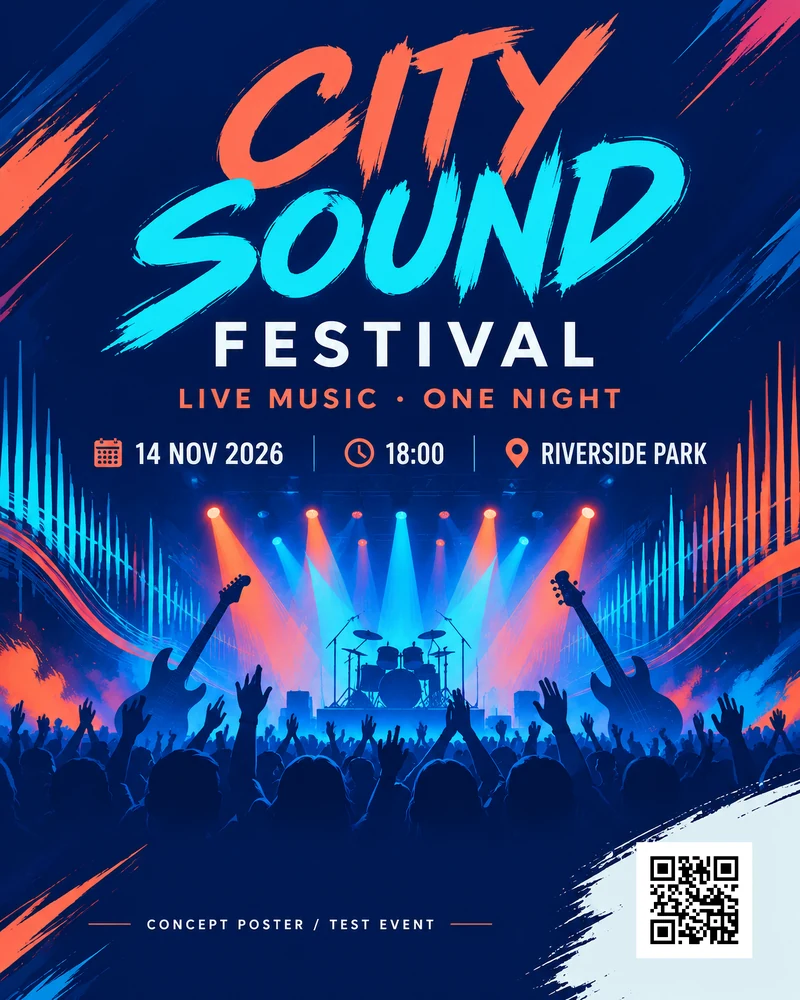
Describe your event and create the artwork with AI.
Enter a destination link. Adjust the code’s size and position.
Check your file, then download PNG or PDF to share or print.
AI generation uses poster credits. Adding a QR code uses no extra AI credits.
A panda, a whale, a paper crane or a swarm of butterflies. Choose a figure and reveal it: the same QR code is underneath.
Building your 3D figure…
Example URL
https://qrcodebrain.com/r/AFEVH_o4sxFEadPf
The revealed code takes the colours you chose. Use the checked PNG, SVG or PDF files for print and sharing.
New drinks today, a new menu tomorrow. Update the destination URL in your account, and guests scanning the printed code can open your latest content.
Start with the dynamic code allowance in a free account.

This illustrates a fixed code with changing content. It does not change your account data.
Menus, bags, cups, posters: one URL each, all in one spreadsheet. Generate them together, check every code, download one package.
| No. | Name | Printed on | URL |
|---|---|---|---|
| 01 | Store menu | Table tent | example.com/menu |
| 02 | Delivery card | Bag tag | example.com/order |
| 03 | New packaging | Cup sleeve | example.com/p/sakura |
| 04 | Membership | Door poster | example.com/join |




 Join the club
View scan statistics to understand usage after distribution.
Let people with the password open internal material or exclusive events.
Schedule campaign URL changes without waiting to switch them manually.
Choose a short path that makes your shared link easier to recognise.
Connect a domain to your dynamic codes for a consistent brand.
Save your style and logo to use again on your next QR code.
Generate static codes free. Start dynamic codes with the free allowance and upgrade when you need more codes or redirects.
For a small shop or your first event.
No subscription. Sign in to use your dynamic code allowance.
For ongoing use and more visits.
Billed in USD. See the pricing page for full terms.
Both plans have the same features; code and redirect allowances differ. Redirects are counted by UTC calendar month. See the pricing page for full terms.
No terminology to learn first. Make a code, then choose static or dynamic to suit its purpose.
For example, a menu, portfolio or registration page.
The page checks the QR code and its download files.
Use PNG for sharing, or SVG and PDF for print.
If the URL will stay the same, such as a personal site on a business card, a static code works well. For changing menus or campaigns, choose dynamic: update the destination in your account and keep the printed code.
The 3D shape is for display and interaction on the website. Downloads are standard flat QR files for sharing and printing. Test an actual printed sample before a large print run.
You can generate a static code here without signing in. Creating and editing dynamic codes and saving designs require your account.
It is for the people using this site. For example, save your cafe colours and logo, then reuse them when you create another QR code.
Static codes contain your URL directly and have no built-in expiry; the destination website must stay available. Dynamic codes use this service to redirect and are subject to account status and plan allowances.
PNG is an image for messaging, social sharing and everyday layouts. SVG is a vector file that scales in design software. PDF is convenient for print shops. Test a printed sample before a full print run.
Make a QR code that works, looks good and stays easy to manage.